Which markets can I replay?
CME futures such as NQ, ES, MNQ, MES, YM, RTY, CL and GC included and loaded by themselves (continuous contracts, with the roll dates marked); the popular forex pairs (EURUSD, GBPUSD, USDJPY, AUDUSD, USDCAD, GBPJPY) and gold included the same way; more forex pairs, silver, index CFDs and bitcoin, whose 1-minute history downloads inside the app; or any market you have 1-minute candles for as a CSV file.
Do I need to buy data?
Futures data and the popular forex pairs and gold are included in your subscription and load by themselves when a chart needs them; the app keeps every month it loads, so it works offline afterwards. More forex and CFD data is free and downloads inside the app.
Does it connect to my broker or show live prices?
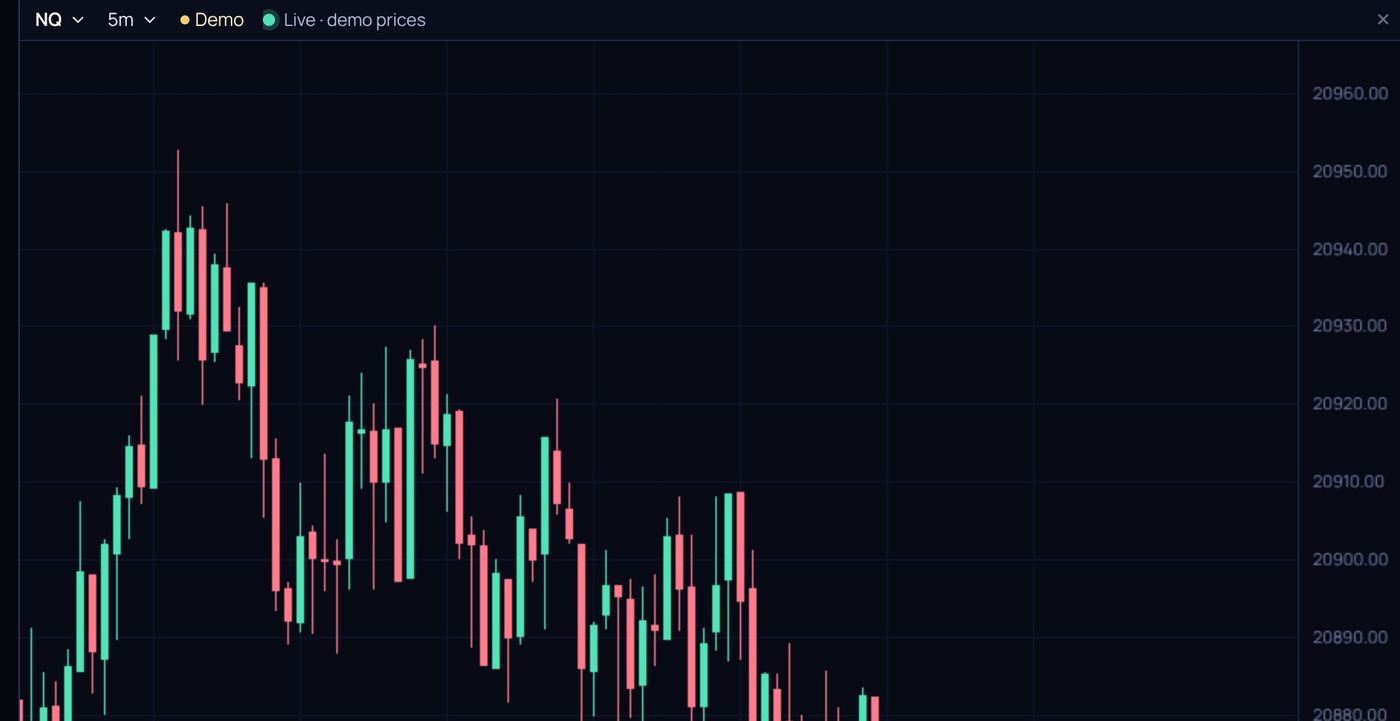
It can read your real trades, but it never places an order. MetaTrader 5 and cTrader connect through the free Replaybook Bridge add-on, which writes your trades to a file on your PC; TopstepX connects with your own API key, which stays on your PC; other brokers work through their trade files. Live charts use prices from one of those accounts, or clearly labelled demo prices: Replaybook doesn't sell market data. In replay, every fill is simulated and the smallest timeframe is 1 minute.
Can I try it without paying?
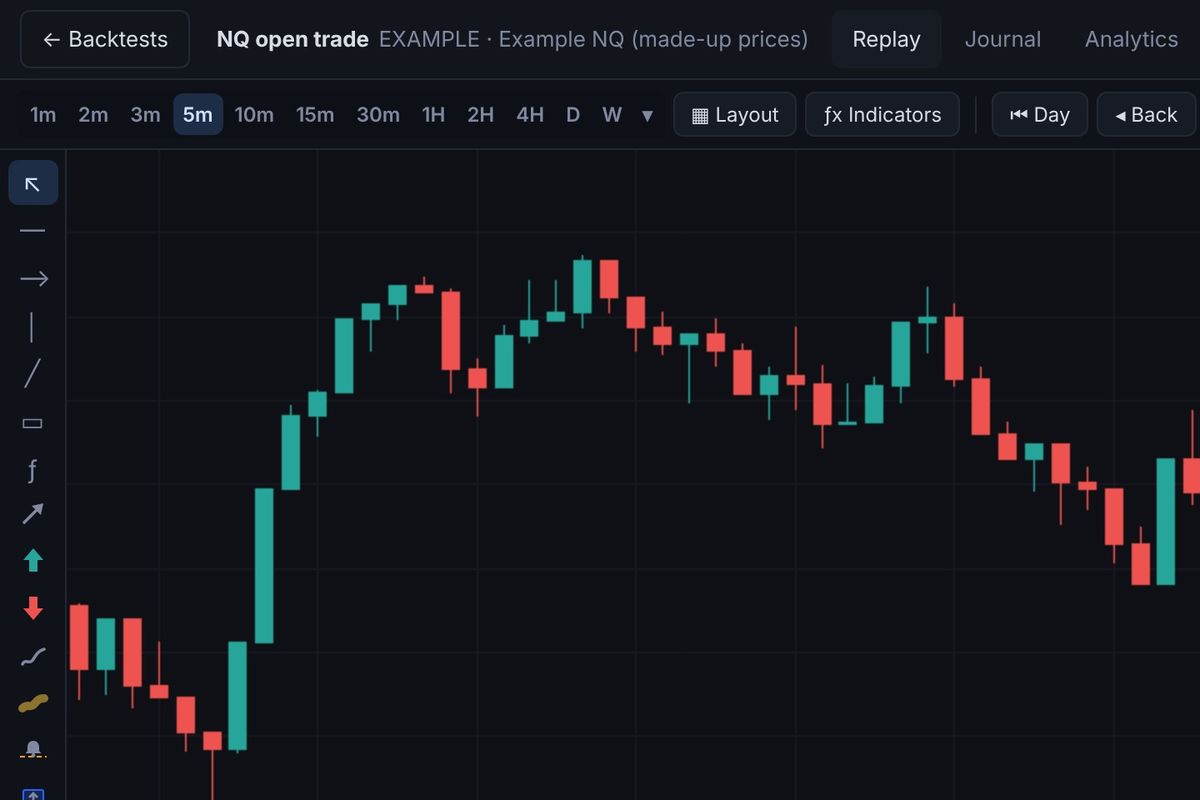
Yes. Without a subscription, the Windows app lets you play the Daily challenge on free forex and index markets, and anyone can look around an example backtest (made-up prices, 30 trades already journaled). No card needed. The 7-day trial unlocks everything else.
How are fills simulated?
Futures data is traded prices: market orders, stop entries, stop losses and manual closes fill your slippage setting worse (1 tick by default); limit orders and targets fill at their price. Forex data is bid prices, so buys fill at the ask (the bid plus your spread). Inside each 1-minute candle, price is assumed to go open, low, high, close on a green candle and open, high, low, close on a red one, so a stop and a target in the same minute always resolve the same way. A stop the market gaps past fills at the open.
Can I practise a prop-firm evaluation?
Yes, with Pro. Pick Prop-firm challenge in the New backtest window and set the rules: profit target, max loss (static or trailing), daily loss, minimum days, consistency, max contracts and more. Or start from a preset that copies a firm's published rules, with the date they were checked and a link to the firm's own page. Time only moves forward and the limits stay on screen. Firms change their rules, so compare with your firm's current rules. Some firm rules, like payouts and news restrictions, aren't simulated. Results are simulated and don't guarantee a pass, and Replaybook is not affiliated with any prop firm.
What is the Daily challenge?
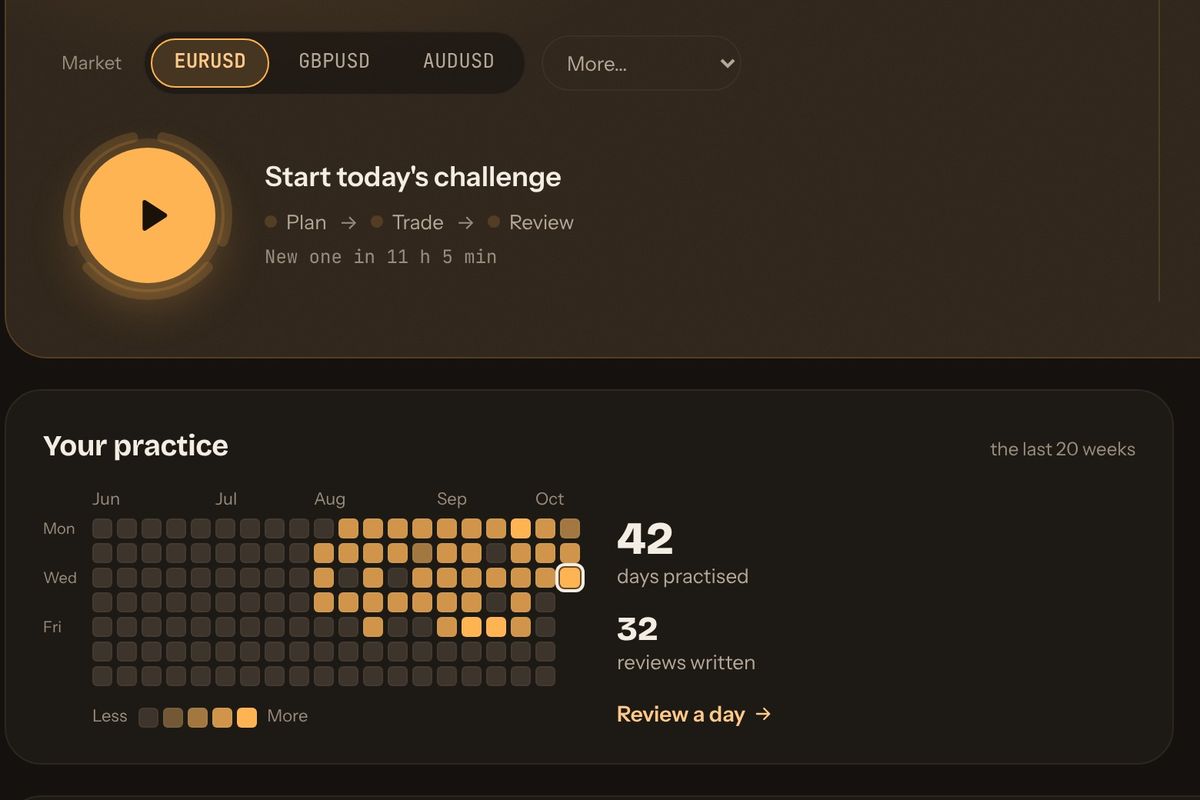
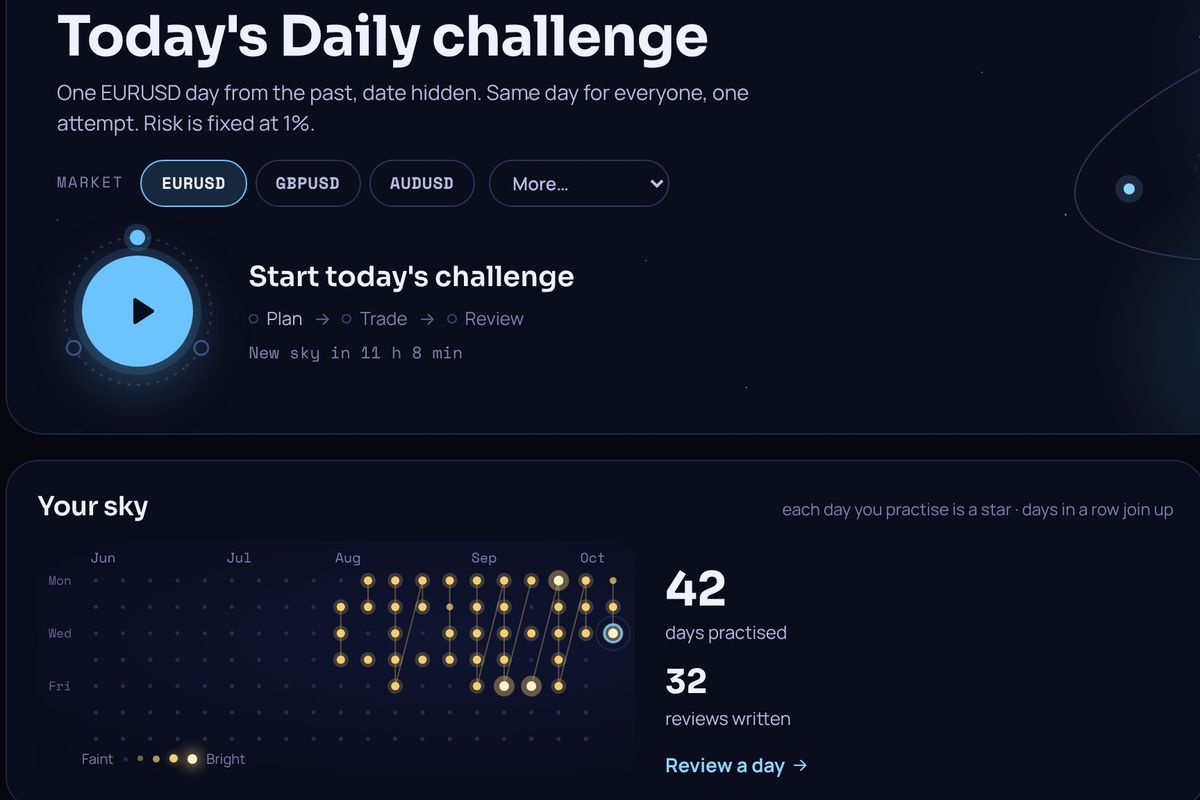
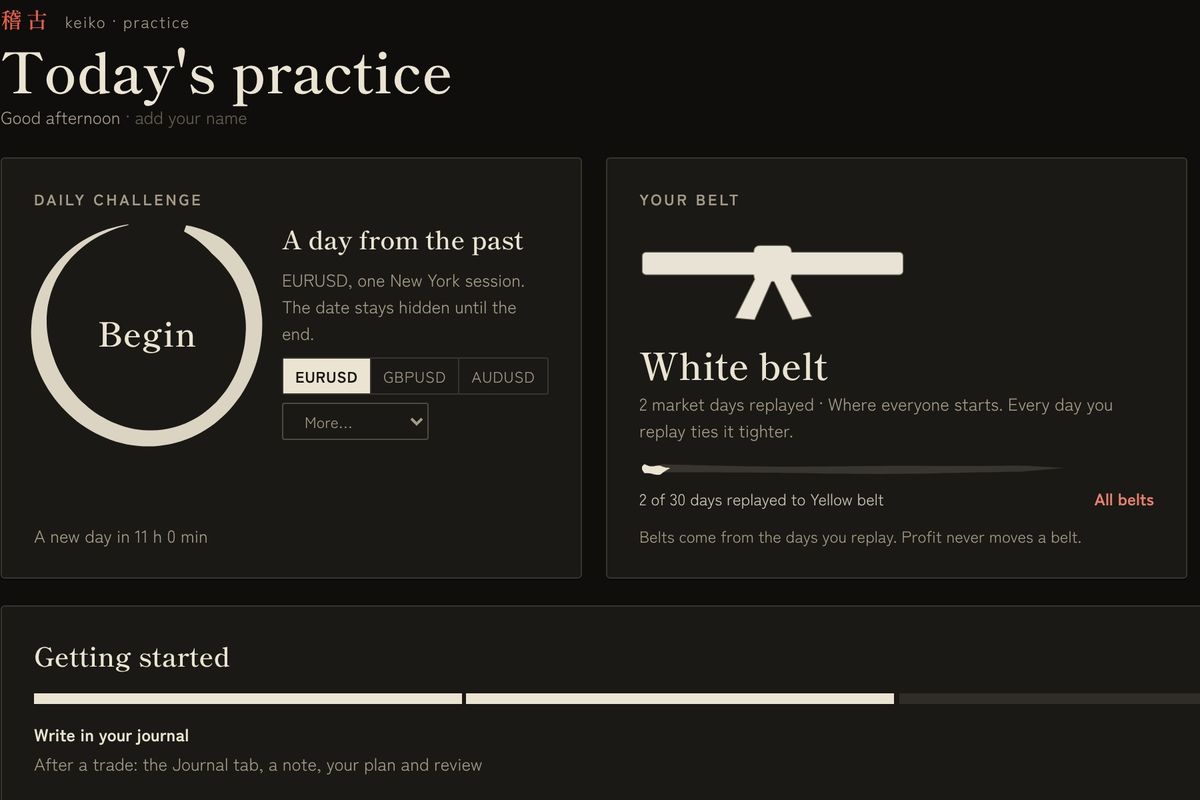
One trading day from the past, the same for everyone that day; a new one starts at 00:00 UTC. The date stays hidden, you trade 07:00 to 16:00 New York with one trade at a time and 1% risk, and there's no going back. At the end you see the real date, your result and your streak. It's free, even without a subscription, one attempt a day, and it doesn't count toward the Replay plan's 4 backtests.
How do the free trial, the $5 month and the founding price work?
Start a plan and use everything free for 7 days. If you keep it, you're charged at the end of the trial, and the first 100 members on each monthly plan (Replay and Pro) pay $5 for their first month after the 7-day free trial, then keep the founding price, $15 or $29 a month, for as long as they stay subscribed. Each plan has its own 100 places, 200 in all, and this page shows how many are taken once checkout opens. After the places, monthly plans cost $19 and $39. Cancel anytime from your account page, and you pay nothing if you cancel before the trial ends.
Can I switch plans or cancel?
Yes, anytime, from Account → Manage subscription in the app or the link in your receipt. Switching from Replay to Pro takes effect right away. When you cancel, you keep your plan until the end of the period you paid for.
What happens to my journal if I cancel?
Nothing is deleted. Your backtests, charts, journal, notes and pictures stay on your PC and still open. The replay stops where you left off until you subscribe again.
Can I get a refund?
No, unless the law requires one. All payments are final, including unused time, which is why every plan starts with 7 days free. Cancel before the trial ends and you pay nothing. Before checkout you ask for Replaybook to start right away, and so give up the 14-day right of withdrawal that EU and UK buyers otherwise have. If you were charged by mistake, email us and we'll fix it. See the Refund policy.
What do I need to run it?
A Windows 10 or 11 PC (64-bit). The installer sets Replaybook up for your Windows user, no admin password needed. Sign in with the email you started your trial with: we email you a 6-digit code, no password. Until our installer is code-signed, Windows may say "Windows protected your PC" the first time: click More info, then Run anyway.
Does it run on Mac?
Replaybook is a Windows app first. A Mac app is planned; tell us if you want it and we'll let you know when it's ready.
Does it work offline?
Yes. The app, your data and your journal are on your PC. It checks your subscription online once a day and keeps working for 7 days without internet.
On how many devices can I use it?
Two, for example a desktop and a laptop. Sign in with the email you paid with and a 6-digit code we email you; there's no password. Your backtests, journal, pictures and Playbook sync between them. On a third device you can sign out one of the other two right there, once every 30 days.
How do updates work?
Replaybook updates itself. It downloads a new version in the background and shows Restart to update; your backtest is saved first. Updates are included while your subscription is active.
Can I turn off the animations and sounds?
Yes. In Appearance → Feel, choose Calm to keep the screens still (it also follows your computer's reduce-motion setting), and set sounds to Off, Quiet, Normal or Loud. The Classic look has no animations, and its sounds start off.
Is this financial advice?
No. Replaybook is a practice and journaling tool. Results in replay, in the Daily challenge and in prop-firm challenge mode are simulated and don't guarantee results in live trading or in a real evaluation.